Image Toolkit
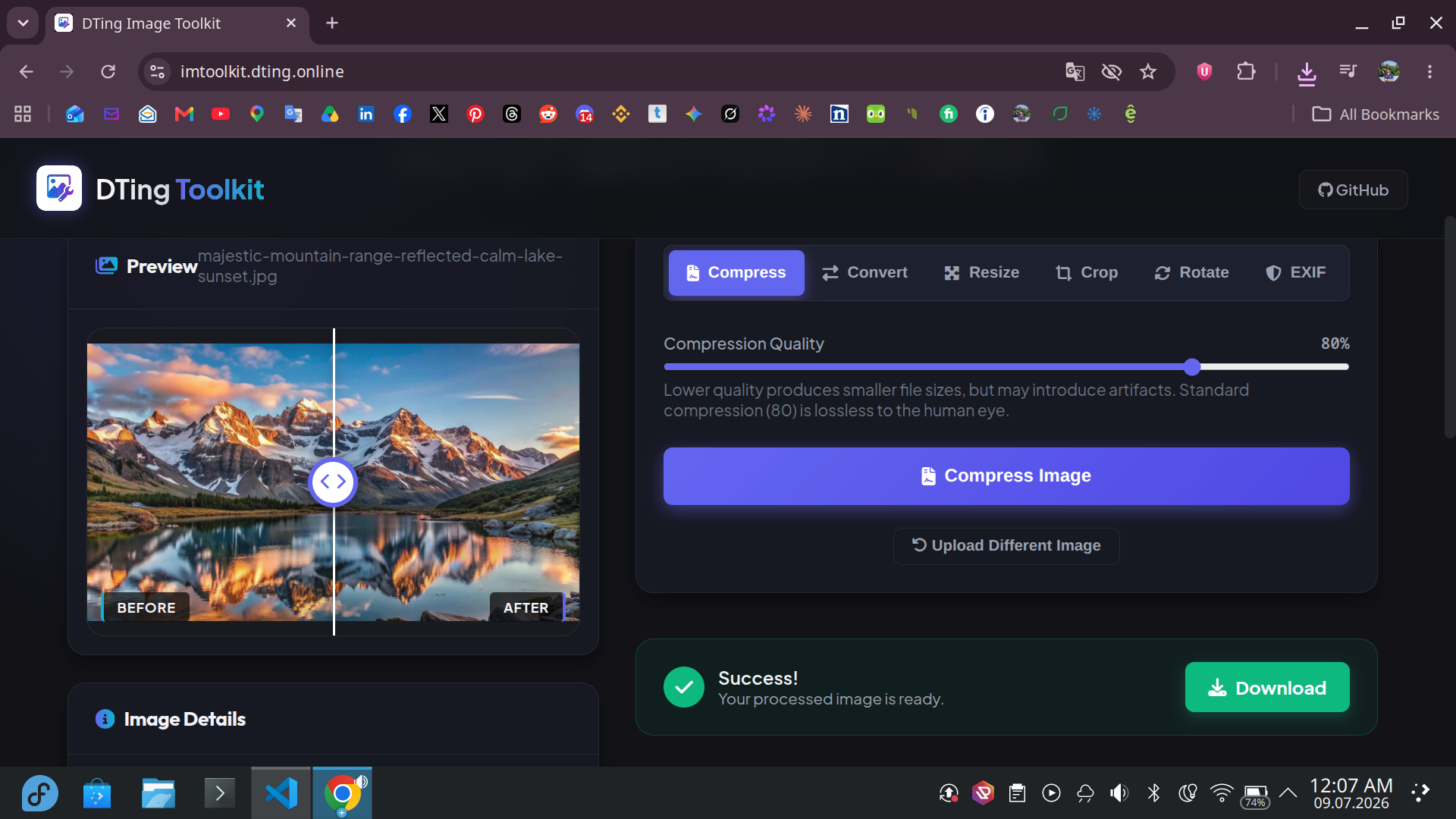
Compress, crop, resize, and convert image formats locally. Zero server uploads, guaranteeing absolute file privacy.
Core Operations
Lossless Compression
Reduce file weights up to 90% without sacrificing visual fidelity. Choose quality sliders to control compression ratios.
Aspect Ratio Crop
Crop images freely or lock presets (16:9, 4:3, 1:1 square). An interactive canvas ensures you get the exact frame.
Format Converter
Instantly convert images between PNG, JPEG, WebP, AVIF, and GIF. Fully compatible with major browser rendering cores.
Run the Image Toolkit Locally
Want to host or run the Image Toolkit on your own device? We've designed it to be fully self-contained. Follow these steps to set it up.
Clone the Repository
Grab the source files directly from our repository system.
git clone https://github.com/dting-online/image-toolkit.gitInstall Dependencies
Navigate into the directory and install local packages using npm or yarn.
cd image-toolkit && npm installBoot Dev Server
Start a local dev server and open your browser at the default port.
npm run dev